

Dashboard overview
The Radius Dashboard is the primary app for interacting with Radius. Use it to claim SBC, send transactions, bridge assets, manage RPC API keys, and explore network activity.
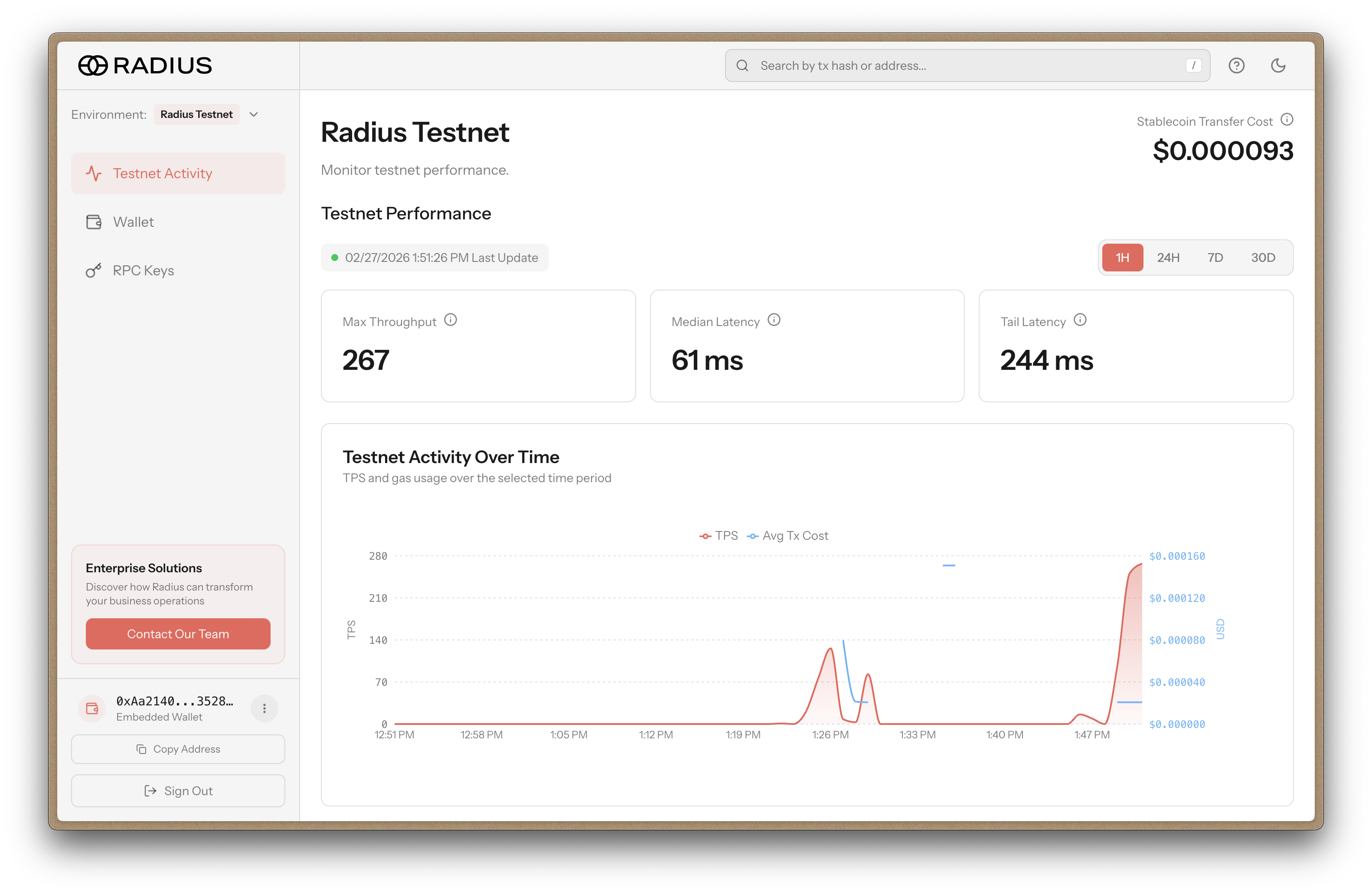
Understand account environments
Accounts on Radius Network and Radius Testnet are separate.
If you use both environments, create one account per environment.
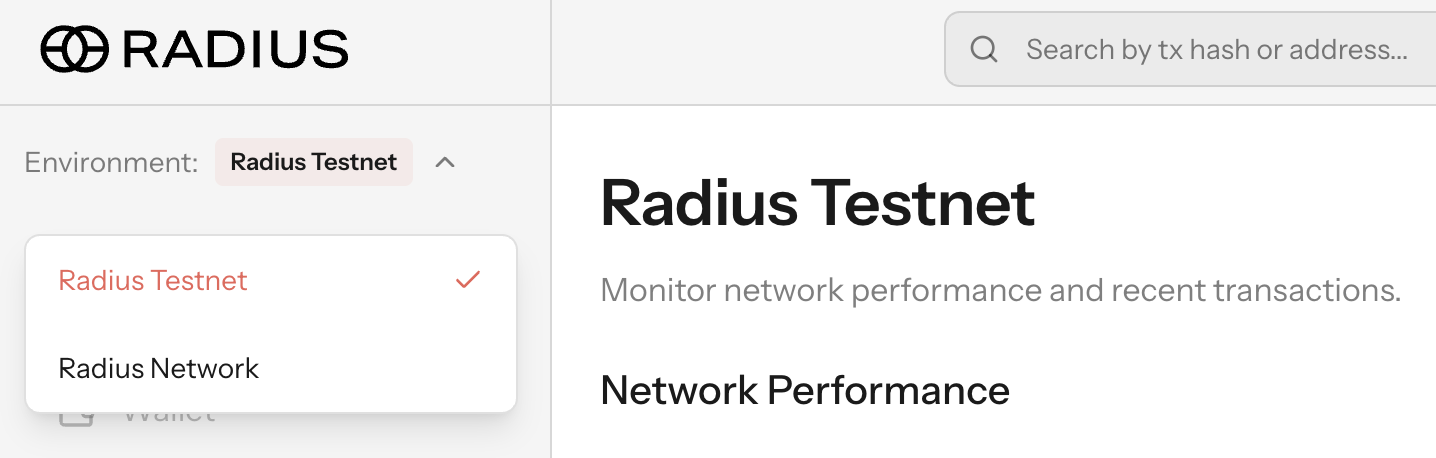
Find fee data in the app
Use these screens to check fees:
- Network Activity: The Stablecoin Transfer Cost metric shows the average cost of a standard stablecoin transfer.
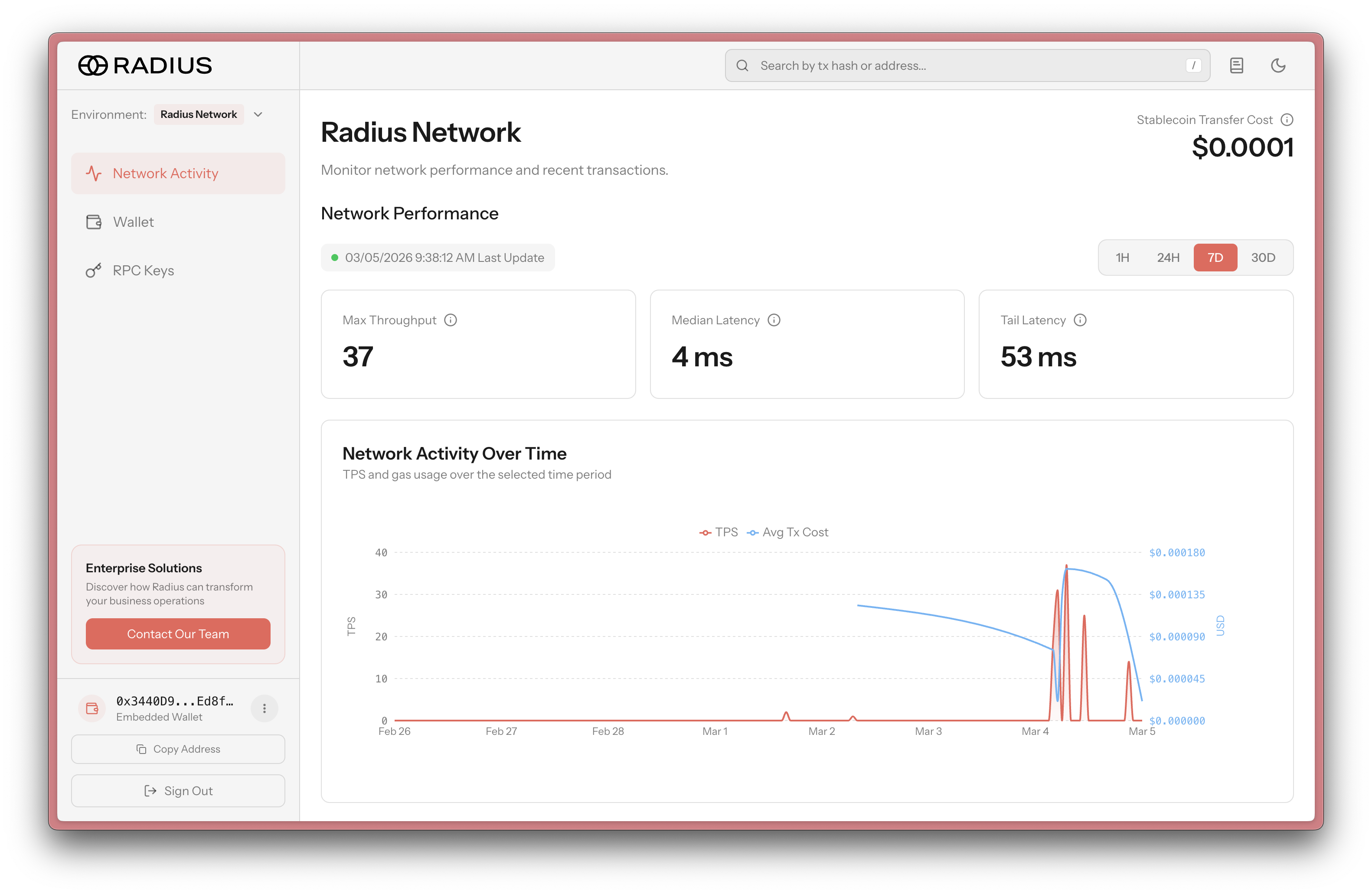
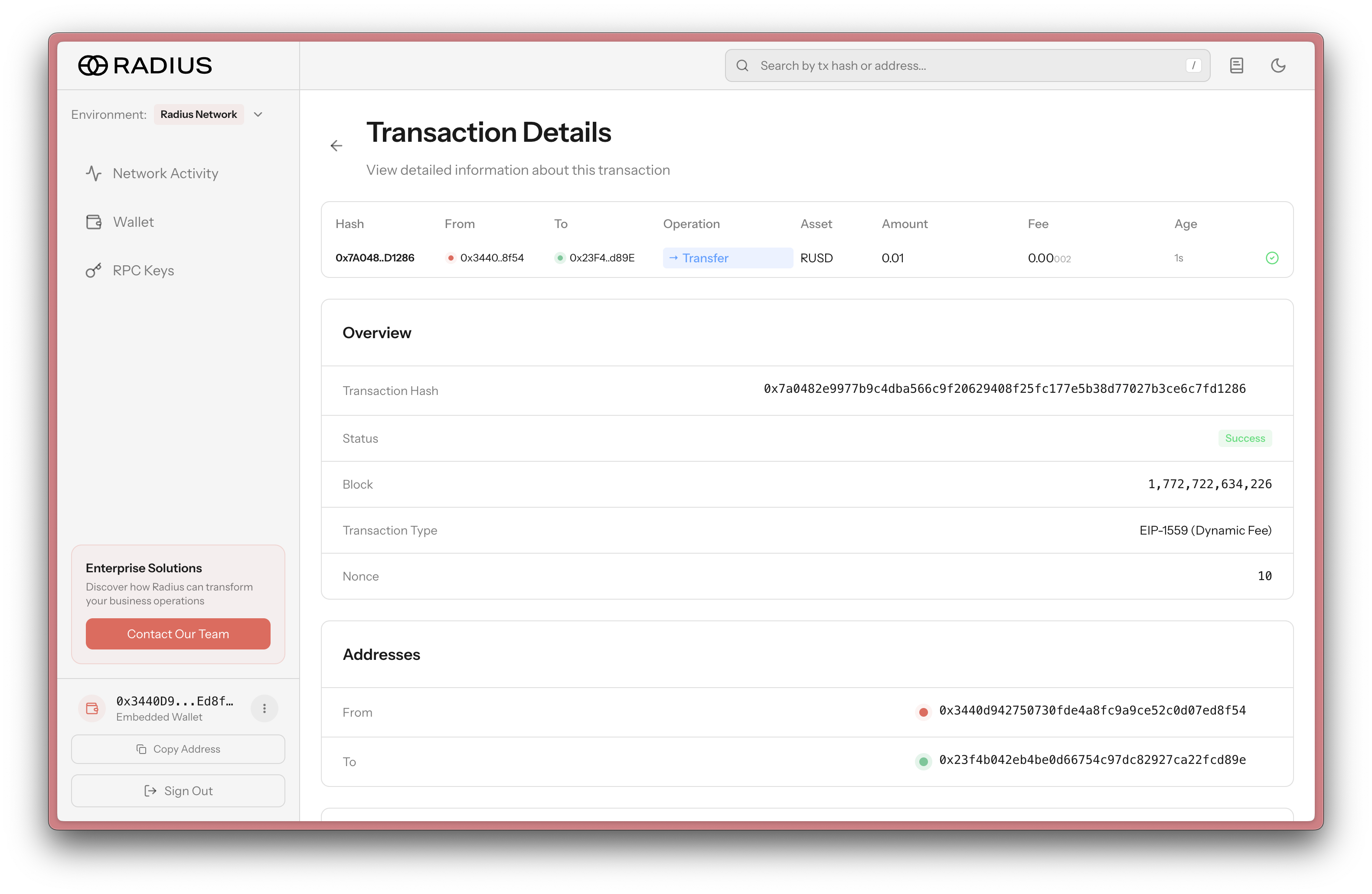
- Transaction Details: The Fee field shows the fee charged for that transaction.
Compare transaction details by transfer type
Transaction details differ by transfer type:
- ERC-20 transfer (for example, SBC): shows contract interaction rows and token transfer rows.
- RUSD transfer: usually shows one native transfer row.
Both views include the fee, but the operation breakdown is different.
ERC-20 transfer example
RUSD transfer example
Read more in Fees.
Manage RPC API keys
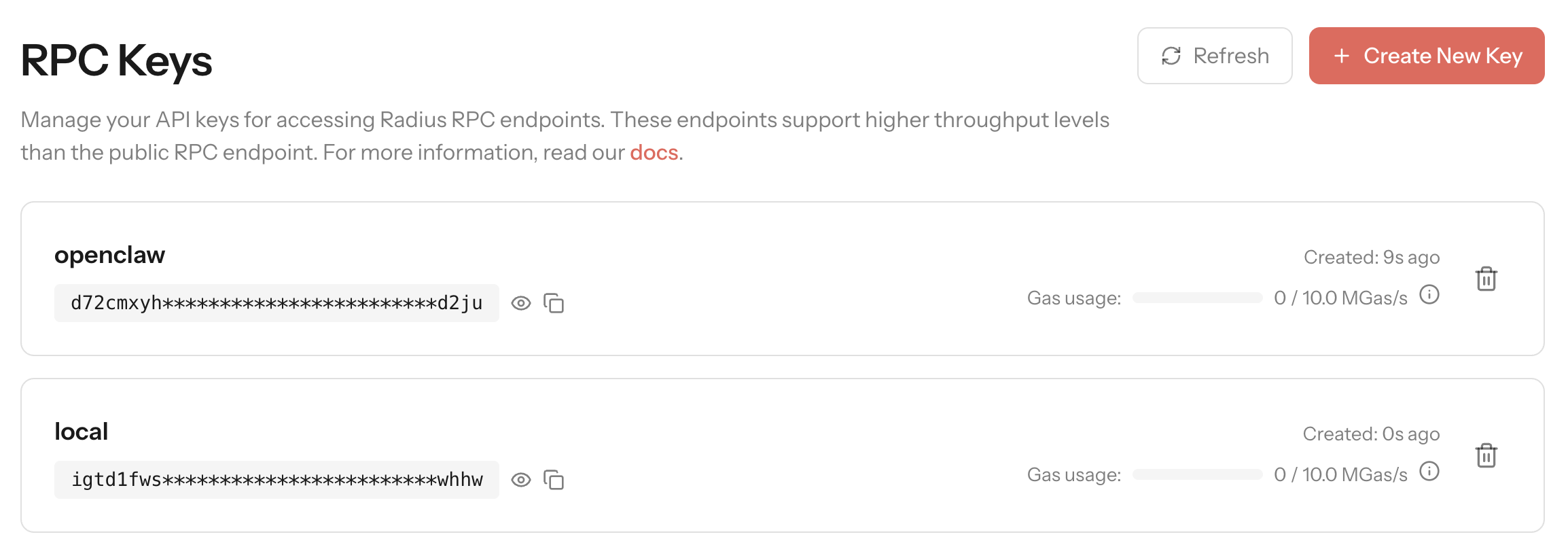
Create RPC API keys in the Dashboard.
Each Dashboard account supports up to five API keys.
For usage details, see Network and RPC.
EIP-3091 explorer link support
The Dashboard supports EIP-3091 URL patterns for explorer deep links. It uses standard routes such as /tx/{hash}, /address/{address}, and /token/{address} so wallets and apps can generate links without custom mapping.